
In Odoo V16 you prevent website visitors from creating their own account a little differently than in V15. To make sure accounts are created on invitation only, follow this step.
Set accounts to invitation only
Go to the Website app -> Configuration -> Settings -> Shop - Checkout Process and select Disabled (buy as guest).
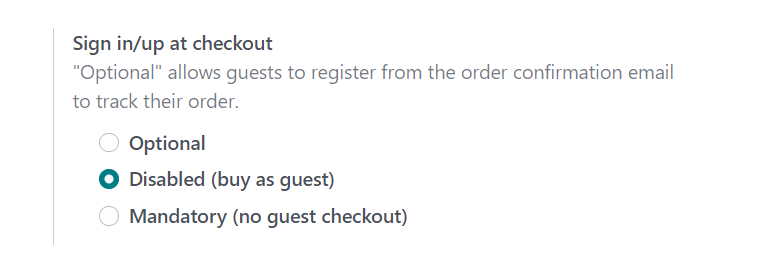
From now on a visitor can no longer create an account during checkout. You grant portal access yourself, by sending a user an invitation.
Need a hand with your Odoo setup?
Want to lock down the website and portal access properly? Book an Odoo scan or get in touch - we will take a look with you.